


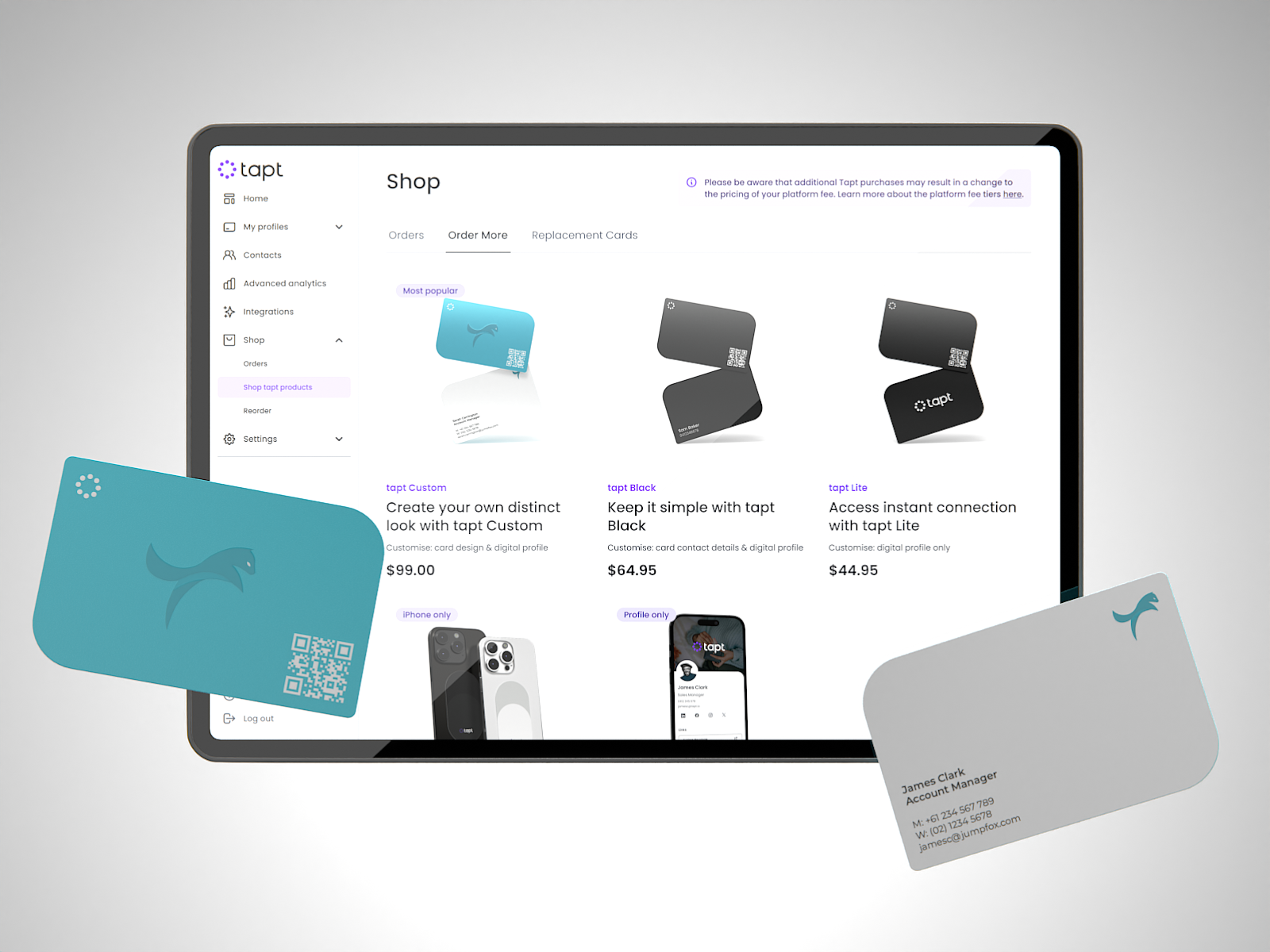
Once you’ve experienced the power of Tapt Custom Cards for your business, we’re confident your team will want them too. That’s why we’ve streamlined our reordering process, making it quick and effortless to purchase cards for your entire workplace!
Our customisation process happens after purchase, allowing you to easily access your previous designs. Follow these simple steps for a smooth reordering process:
- Purchase the desired number of Tapt cards through our website or your Tapt Dashboard.
- Complete the purchase process, and you’ll receive an email prompting you to log back into your Tapt Dashboard to complete the customisation process.
- Follow the prompts in the purple banners that appear in your Dashboard to begin the process.
- Choose to use your previous designs. The system will prompt you to fill in the cardholder details for the new cards and submit your design for printing.
Consistency is crucial when transitioning your team to digital business cards. Through our simple reordering process and having your previous designs at your fingertips, you can ensure everyone moves into the digital networking age together!

Feature Release: AI Business Card Scanner
Introducing the Tapt Wallet: Where Technology Meets Elegance