


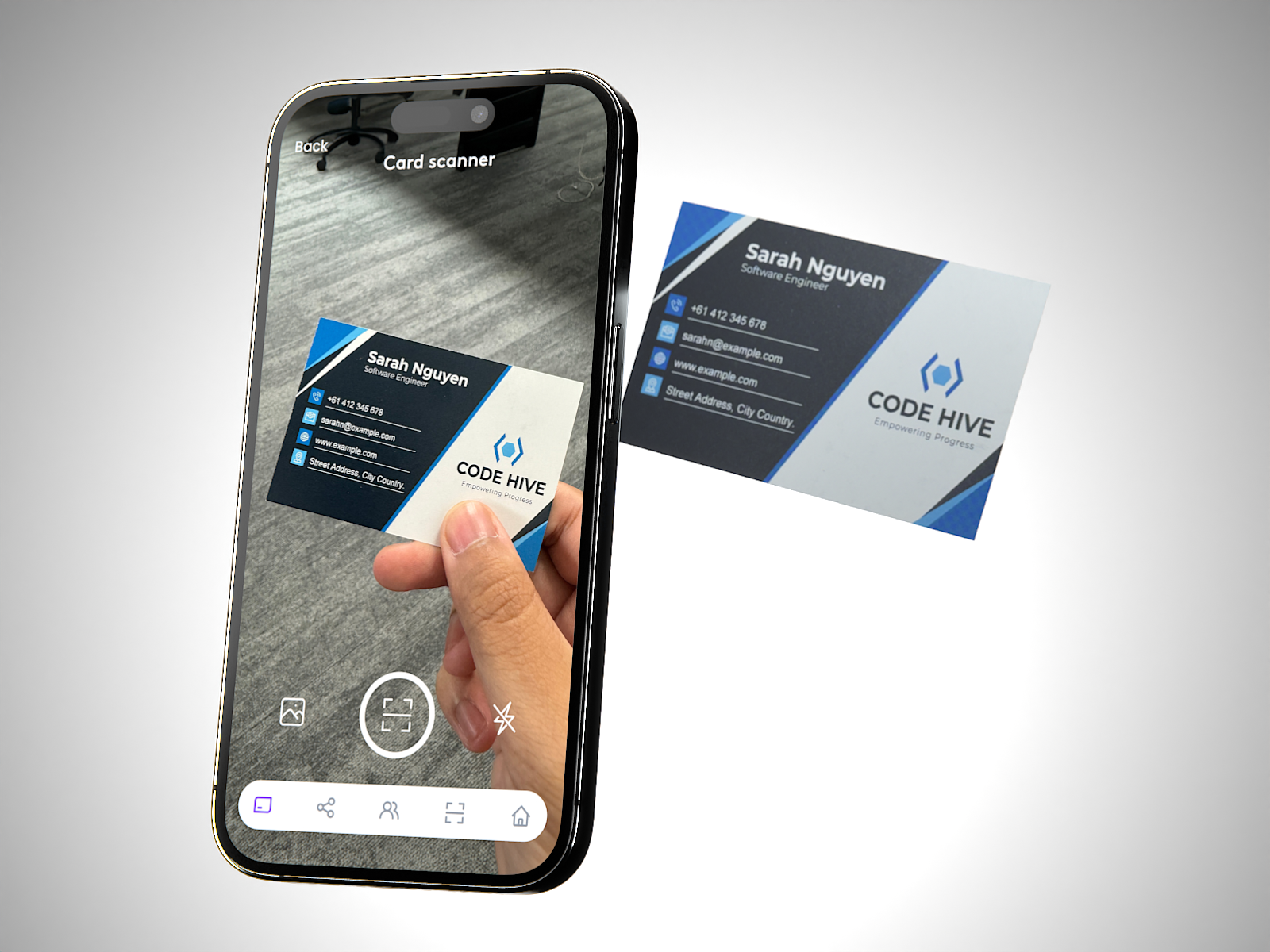
At Tapt, we’re passionate about bringing networking into the digital age. However, we know paper business cards are still in circulation, and you might still receive one from time to time.
Those paper business cards deserve a place in your digital contacts too – that’s why we’ve created our AI Paper Business Card Scanner.
How to Use the AI Paper Business Card Scanner:
- Log into the Tapt App and click on the scanner icon at the bottom of your screen.
- Bring the paper business card into the camera’s view.
- Click the button to scan.
- Watch as the app works its magic to create a new Tapt contact, complete with all the information from the physical card.
We also highly recommend suggesting that the contact gets a digital business card. It’s much easier and more efficient that way.


Seamlessly Add Your Tapt Card to Your Digital Wallet
Simplify Your Workflow with Tapt’s Easy Reordering Process