


Every receipt. More possibilities.
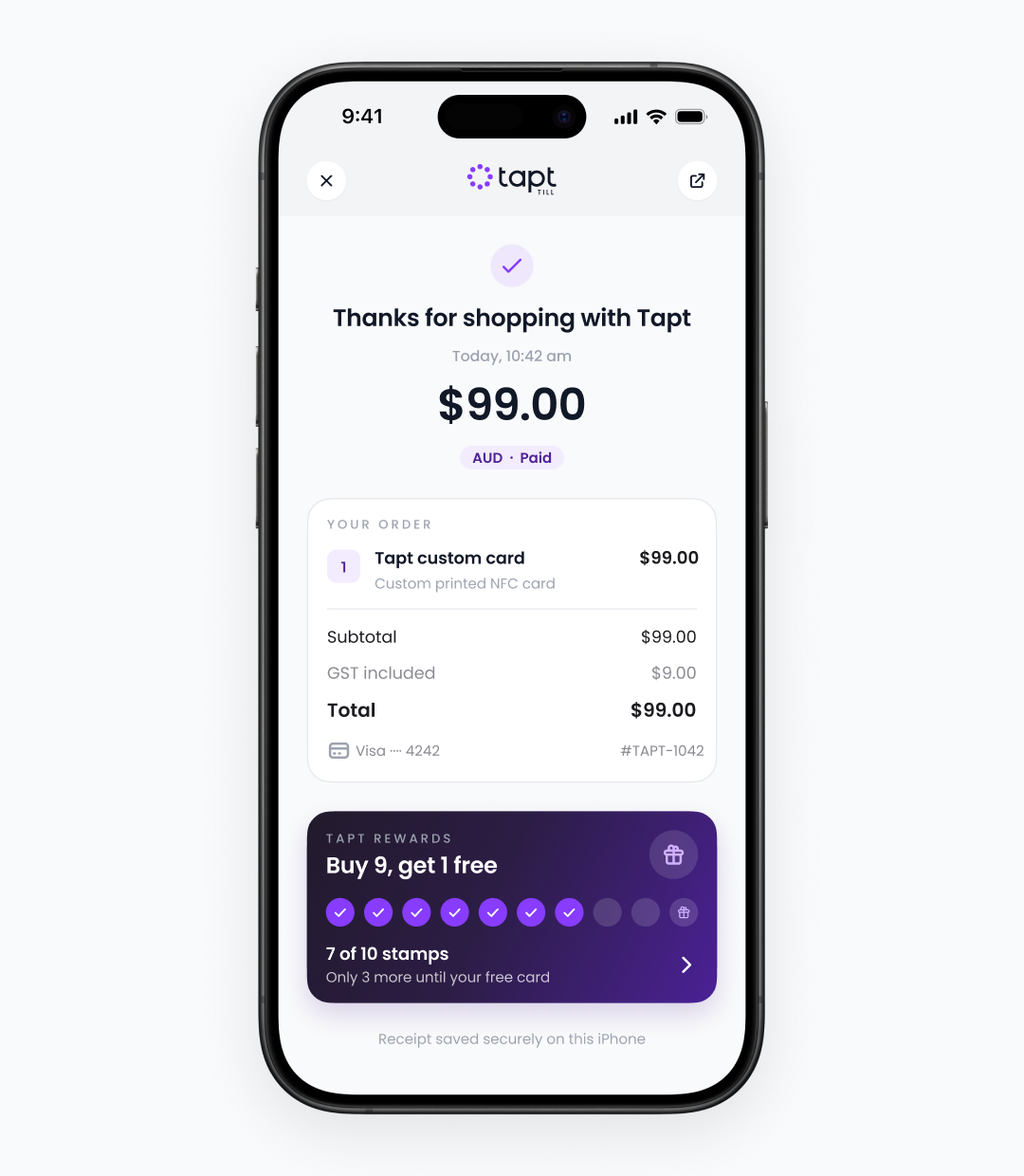
Digital receipts
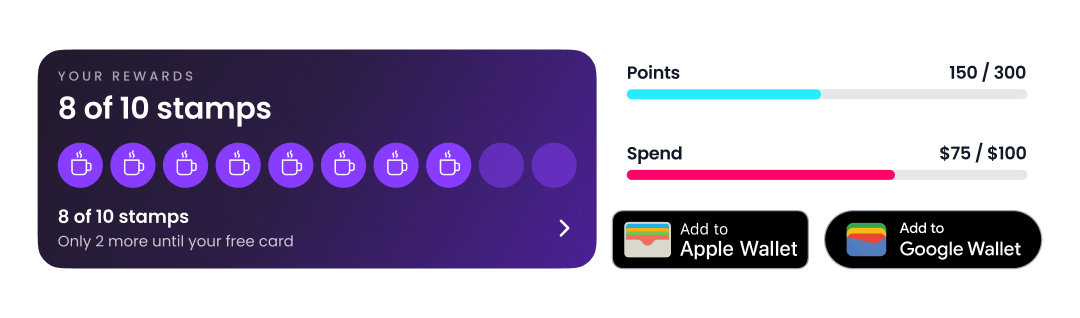
Customer rewards
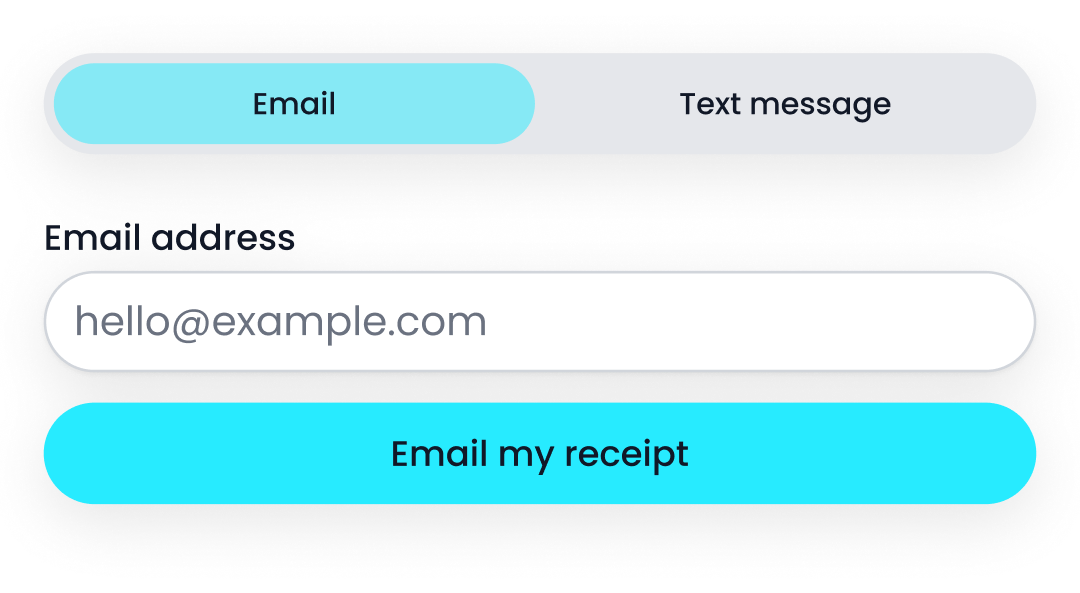
Get your receipt your way
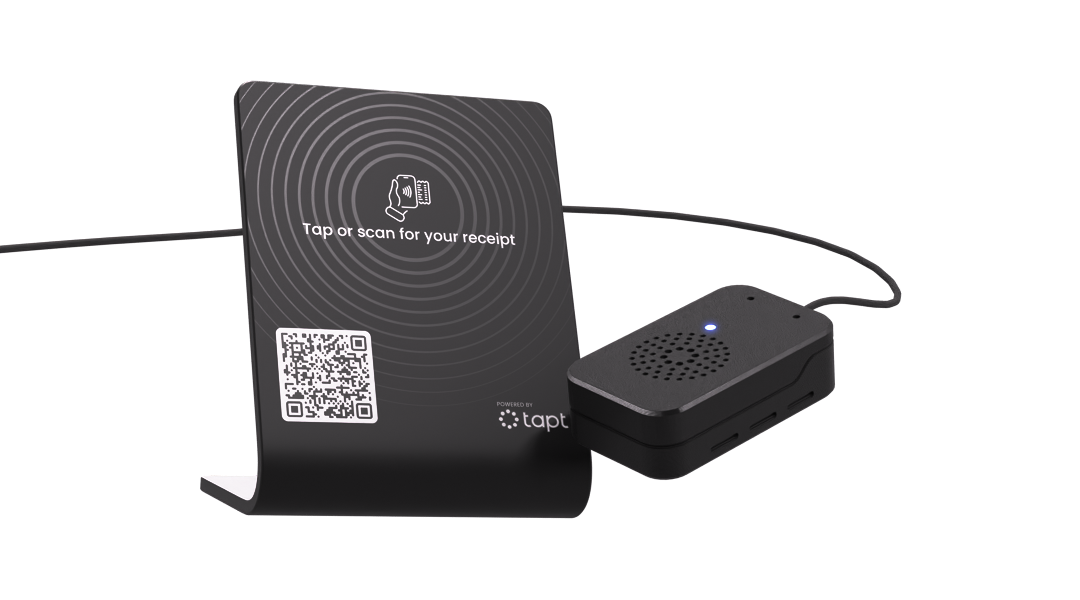
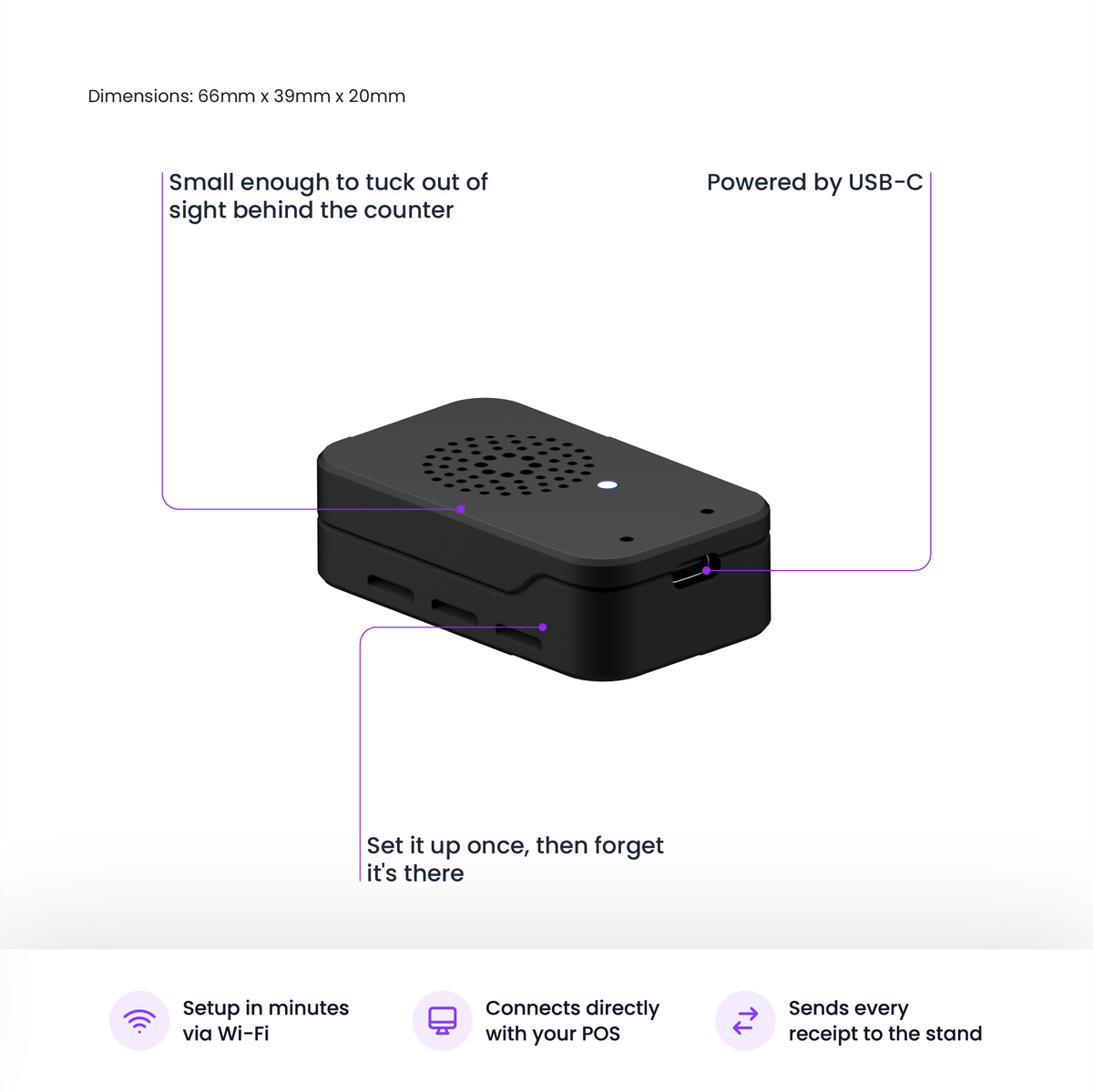
Connects over the internet

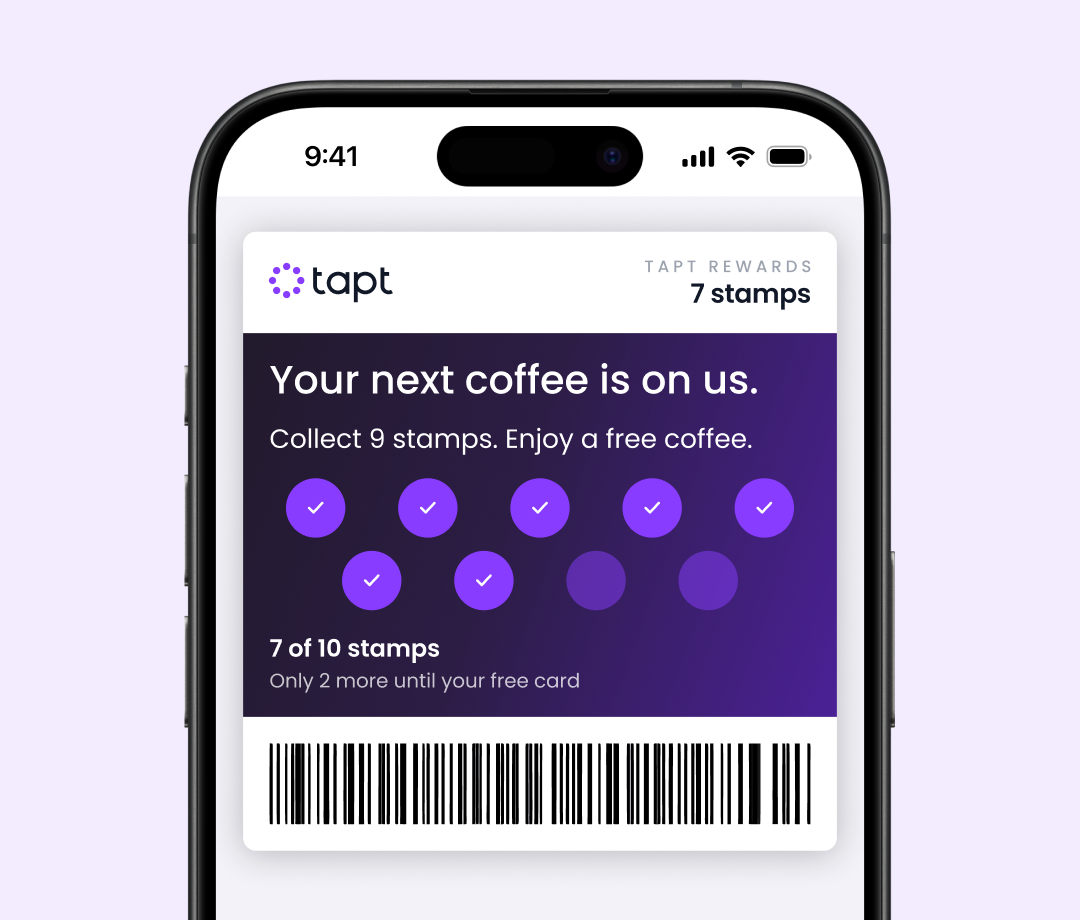
Rewards worth coming back for.
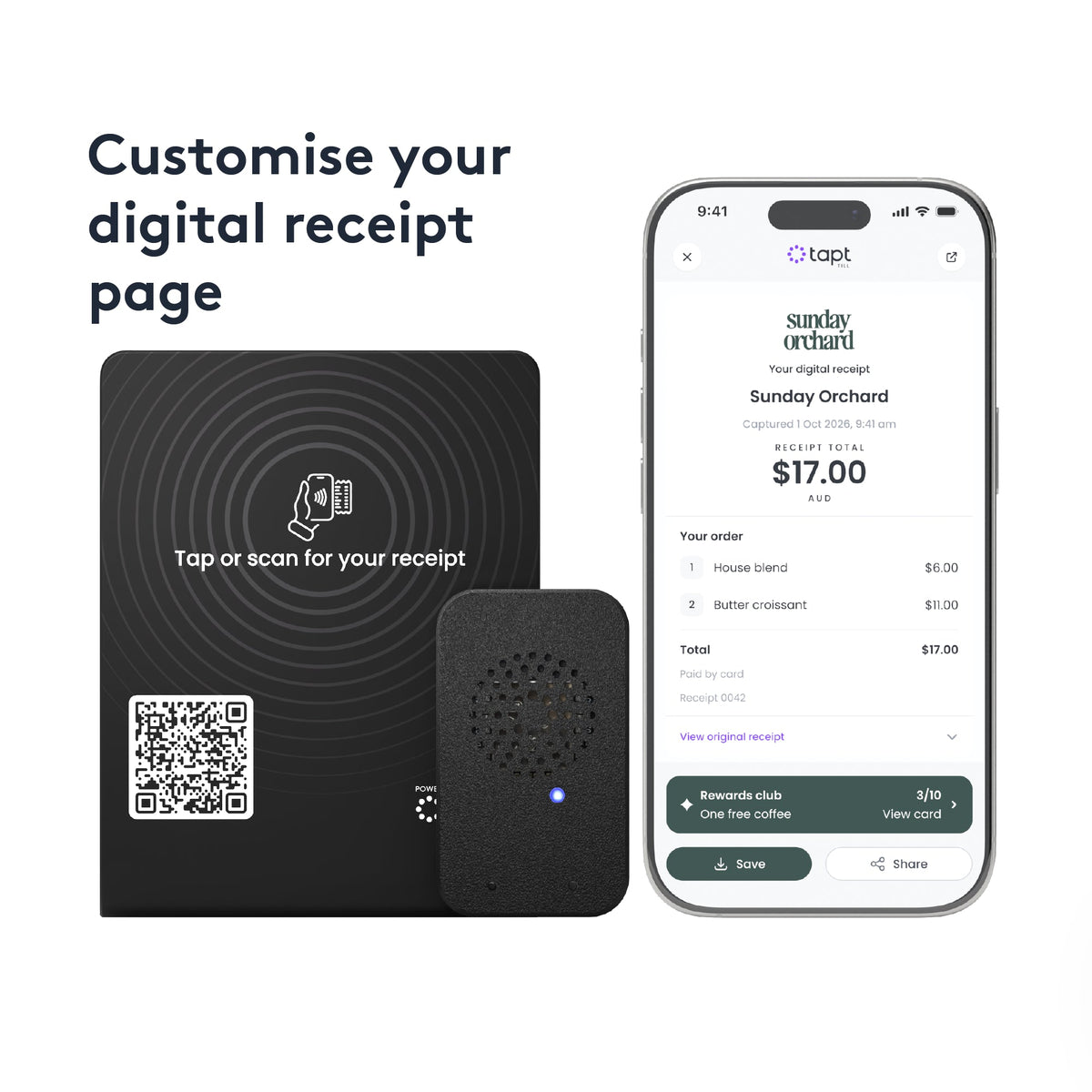
Choose digital stamps or spend-based points, set a reward and give customers a reason to return. They can track their progress with every eligible purchase.
When enabled, customers can save their reward card to Apple Wallet or Google Wallet after joining your programme.
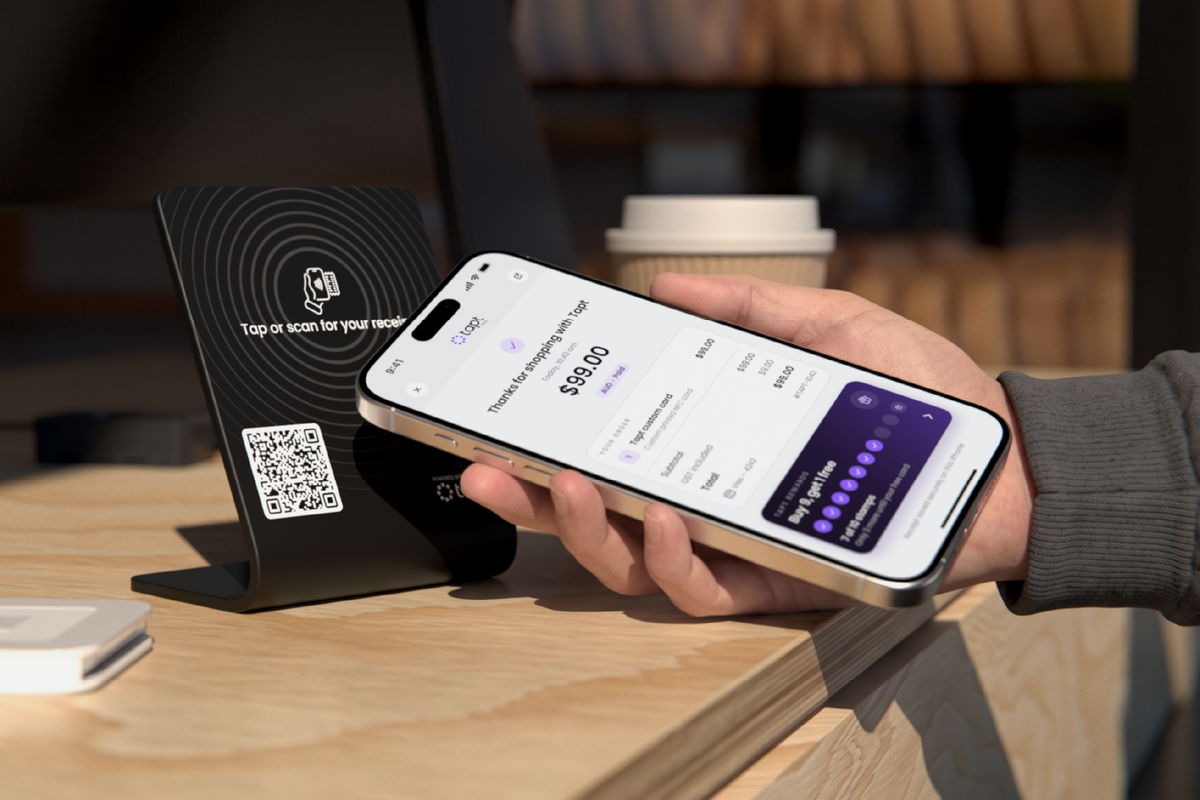
A receipt they can keep. Less paper for you.
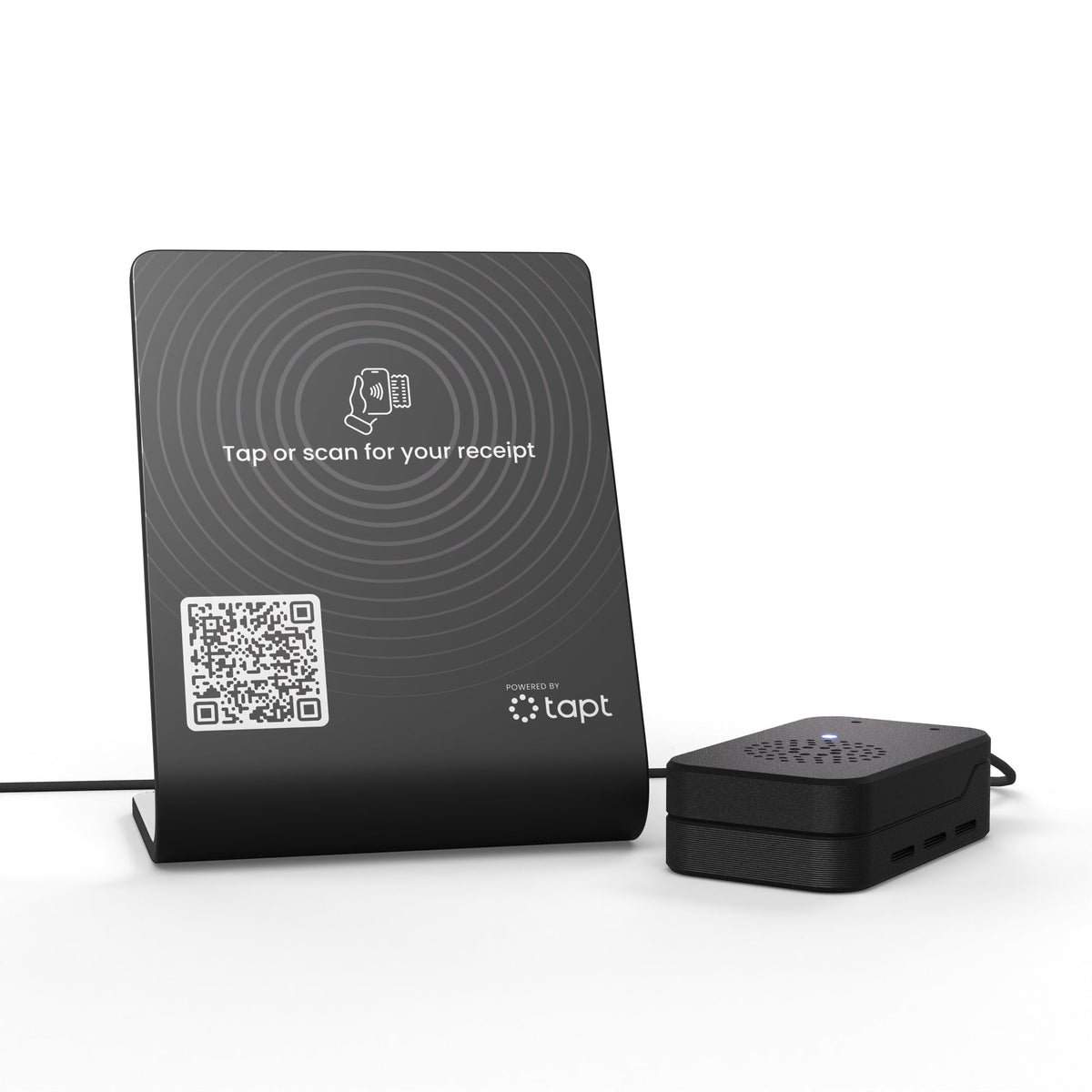
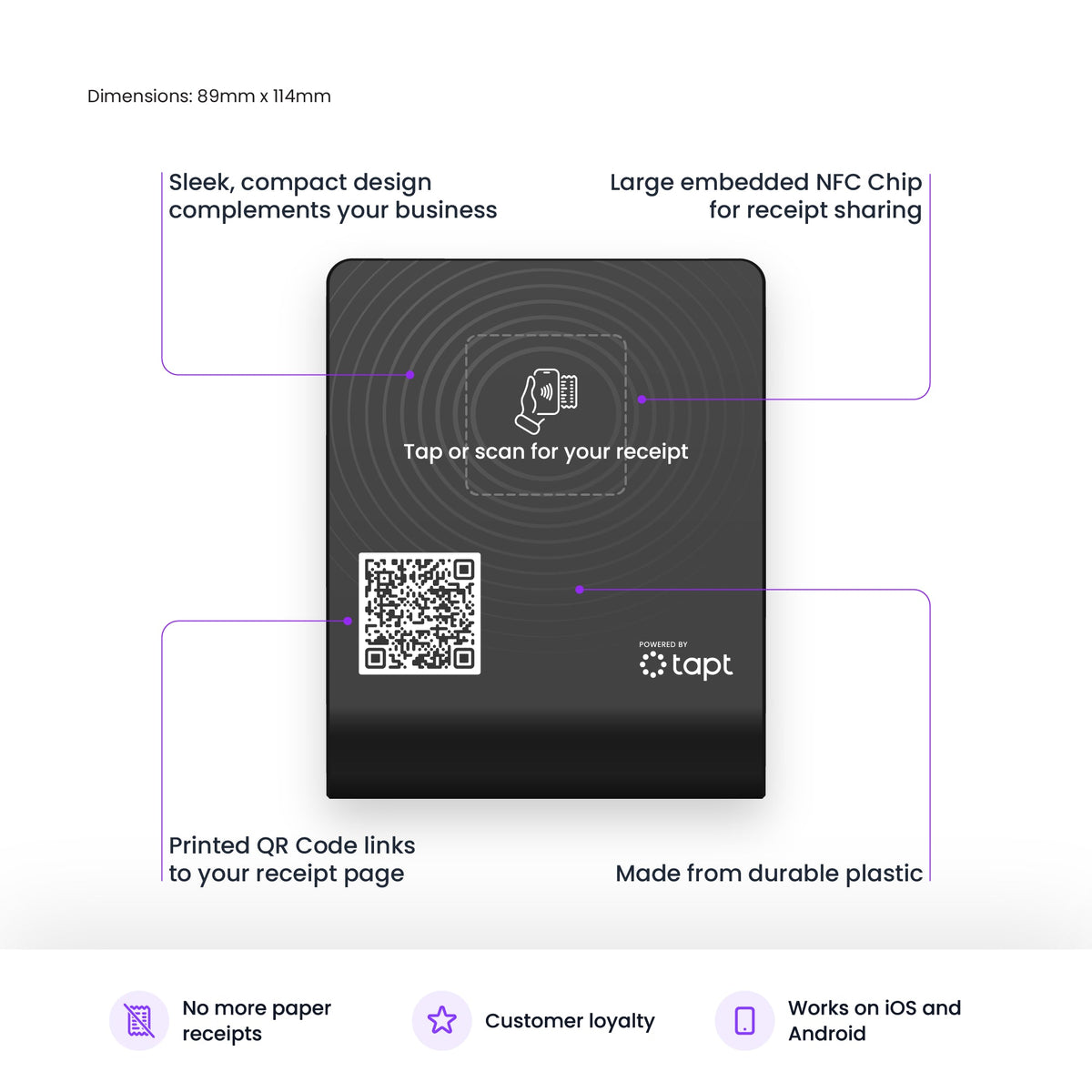
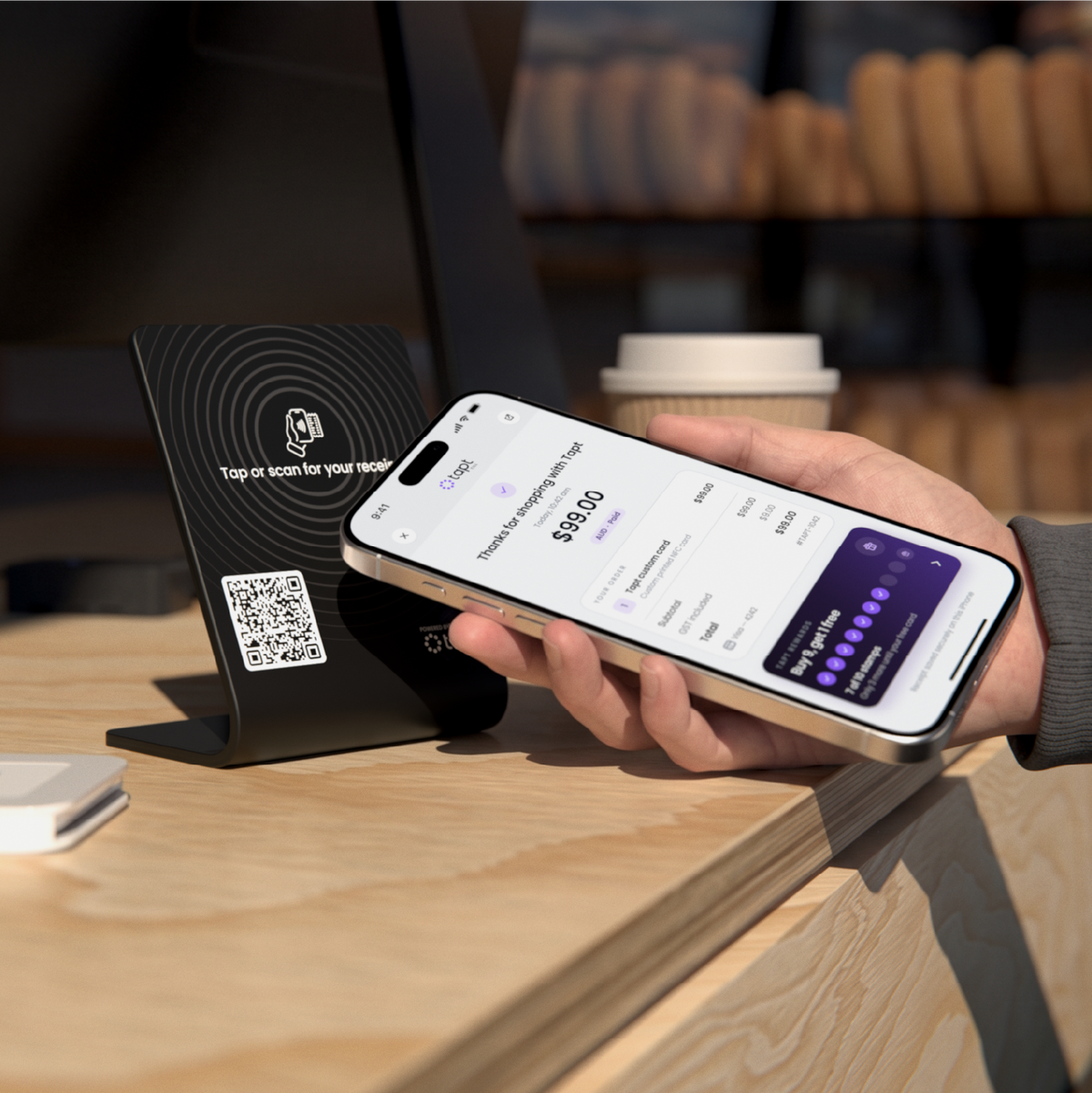
After checkout, customers tap or scan the stand to open and keep their receipt on their phone. No app or account needed.

Easy redemption
Scan the QR code to redeem.
Customers show the QR code on their reward card. Your team scans it to confirm redemption and apply their reward.
Frontline advertising
Keep the conversation going after checkout.
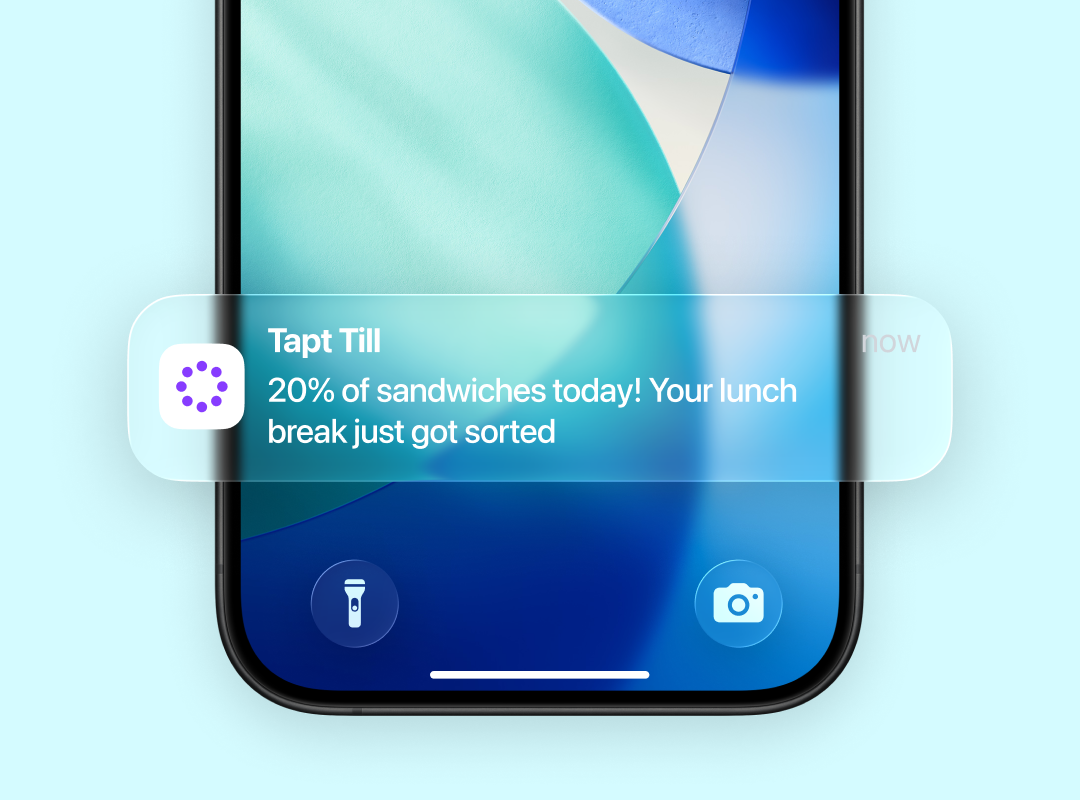
Send notifications to your customers’ digital wallets
Bring customers back with offers and updates sent straight to their digital wallet.

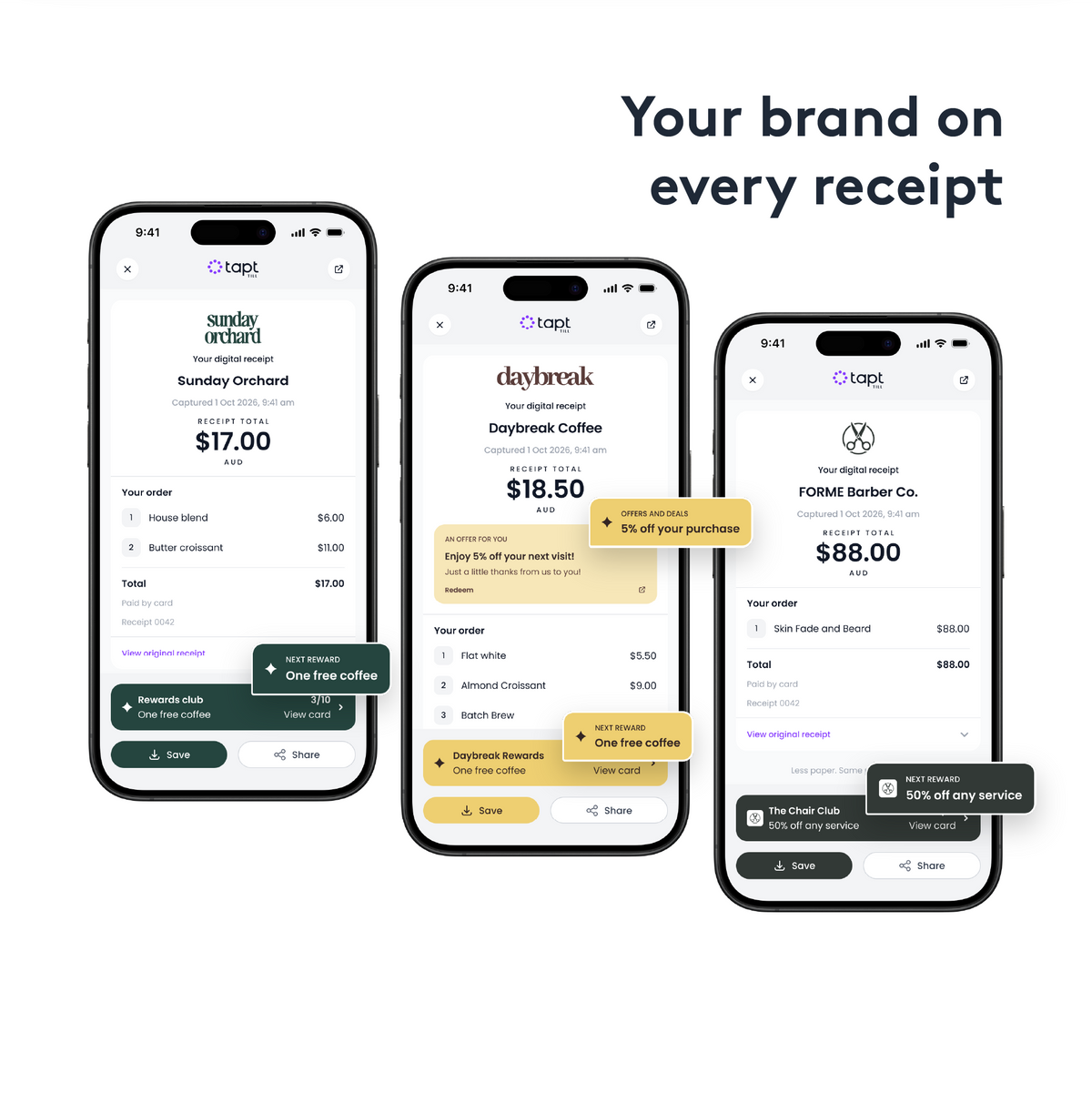
Add offers on your receipts
Turn every digital receipt into a reason to return with an offer for their next visit.
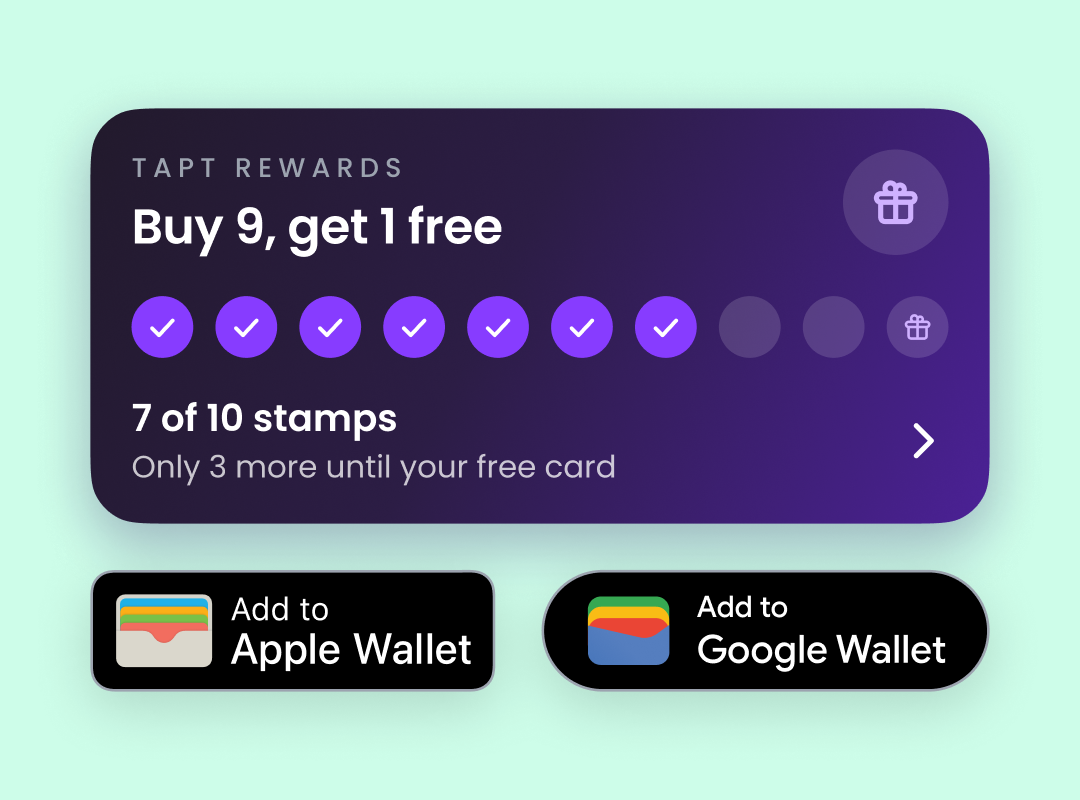
Put customer loyalty back where they want it
Keep rewards close at hand in Apple Wallet or Google Wallet, ready for their next visit.
Tapt Till
FAQs
What is Tapt Till?
Tapt Till brings digital receipts and customer rewards to your checkout. Customers tap or scan the stand to open a receipt on their phone and can join your rewards programme. It is designed for cafés, independent retailers and businesses with multiple locations.
Will Tapt Till work with my POS?
Compatibility depends on your POS, till device and receipt workflow. Your setup needs to be checked before rollout. Payments stay with your existing payment provider.
What do I need to get started?
You need a Tapt Till stand, the included device, an internet connection, a compatible receipt setup and a Tapt Till platform subscription. Your checkout connection and rewards programme need to be configured before you start.
Do customers need an account or an app?
No account or Tapt app is needed to open a web receipt by tapping or scanning. Collecting rewards has its own enrolment step, and saving a card to Apple Wallet or Google Wallet depends on your configuration and the customer’s device.
How do rewards work?
Choose stamps for qualifying purchases or points based on eligible spending in AUD. Set the reward and eligibility rules for your business. Customers can track their progress and present their reward when it is ready; staff confirm redemption.
How do I display advertising on my receipts?
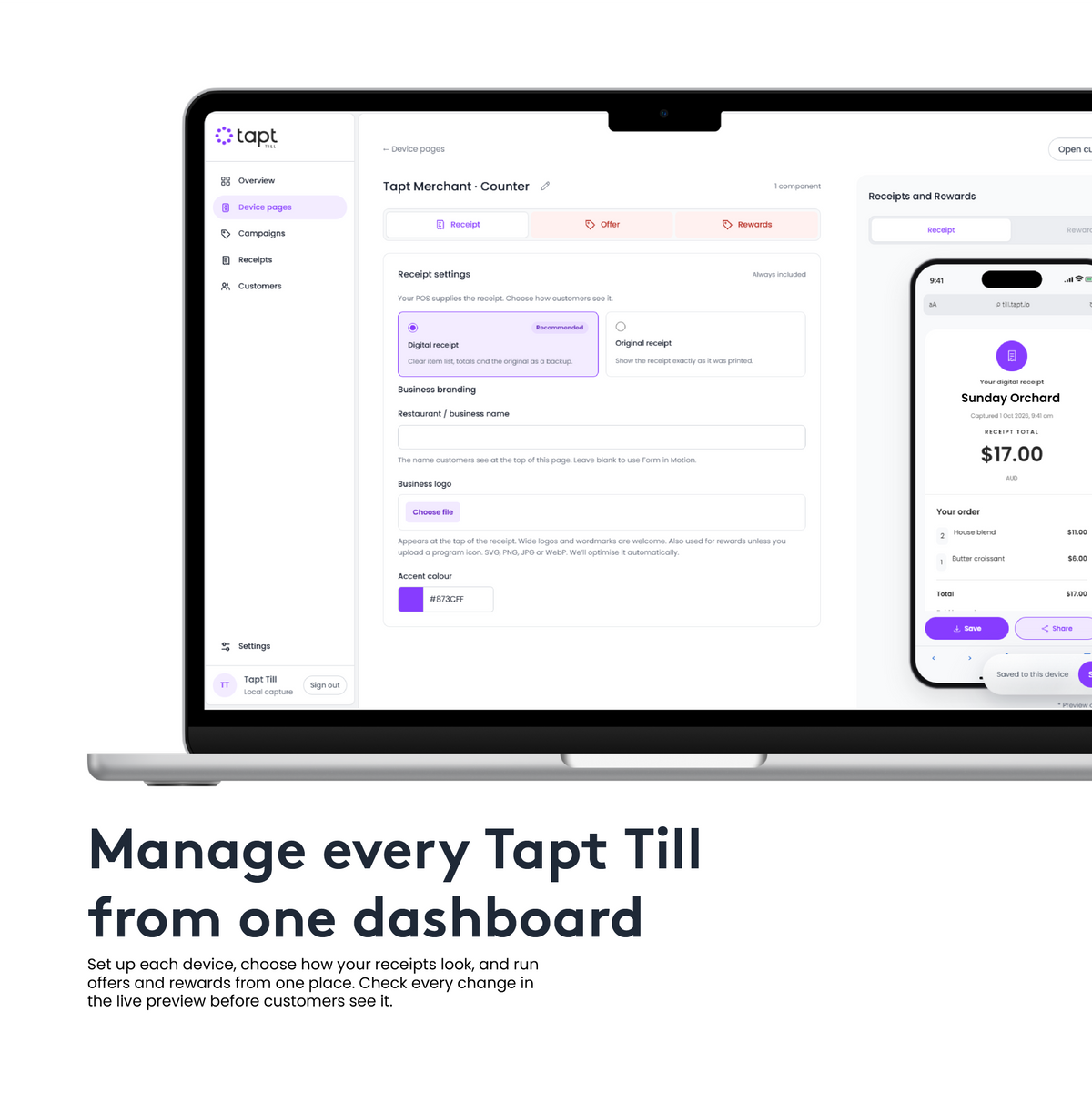
You can configure different types of rewards and promotions through the Tapt-Till platform and display them on your digital receipts.
Is there an ongoing fee?
Yes. The stand and included device are a one-time purchase, and the Tapt Till platform has a separate monthly subscription. Confirm the subscription and your checkout requirements before ordering.
Can I use Tapt Till at several locations?
We can help you plan device quantities, locations and checkout connections. Each location’s reward programme and setup should be discussed as part of your rollout.