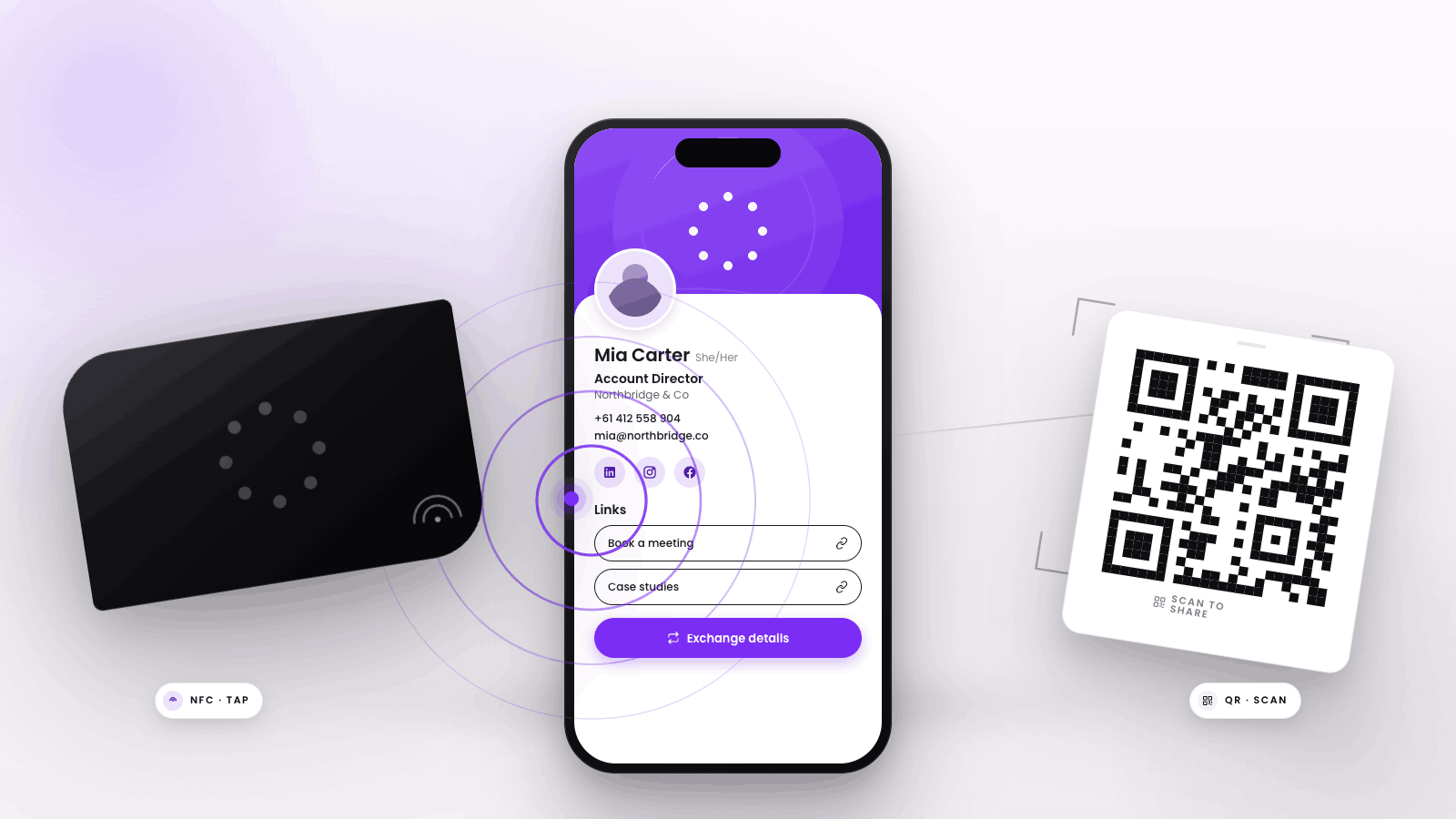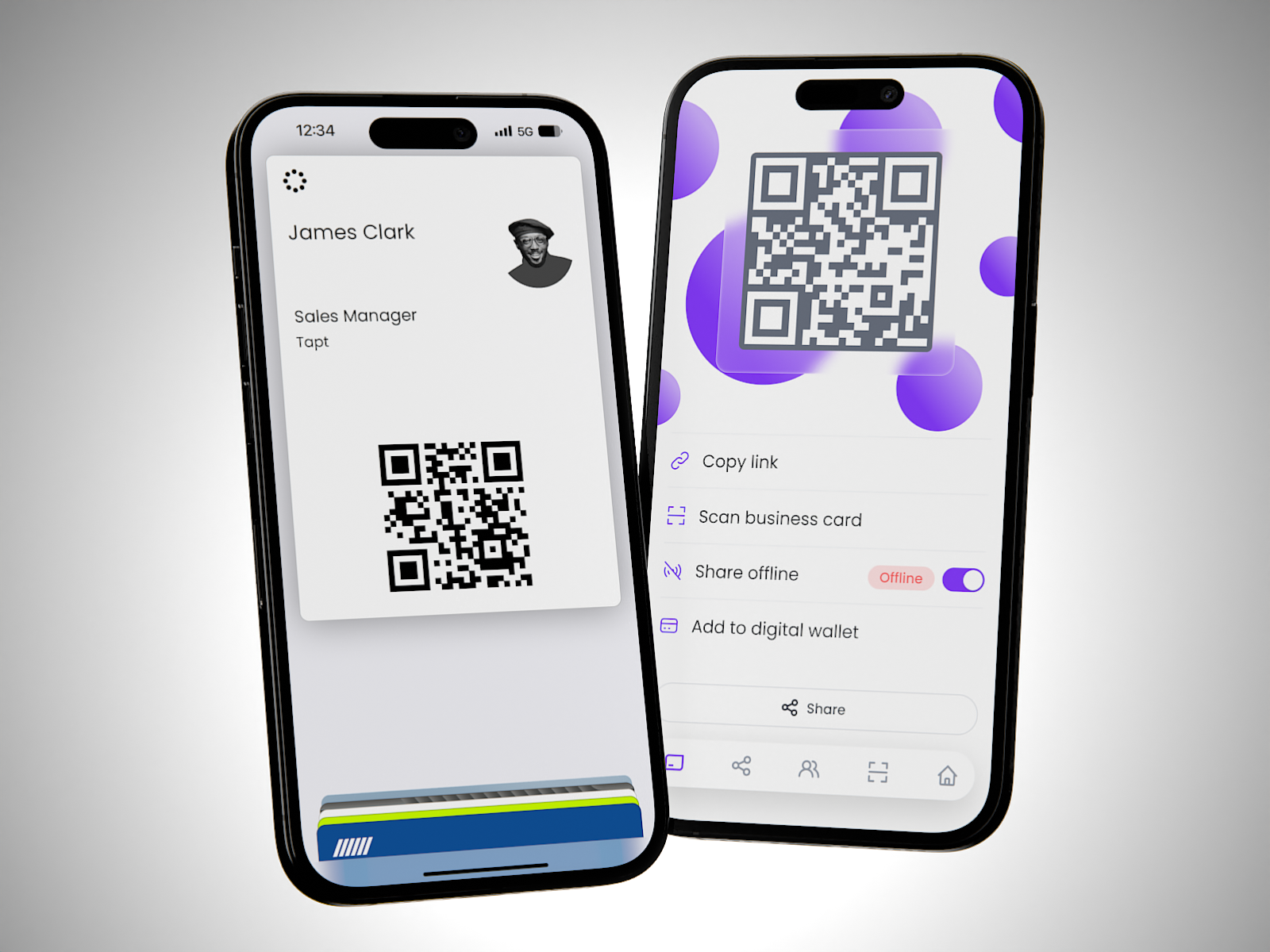
Connect anywhere, anytime from the convenience of your phone – now you can add your Tapt card to your Apple or Google Wallet directly from the Tapt app!

Adding your Tapt card to your digital wallet is a breeze. Here’s how to get started:

1. Log in to the Tapt app using your card or email credentials.
2. Navigate to the share screen.
3. Click "Add to Digital Wallet" and follow the prompts.

      While we still love the ‘wow’ factor of tapping your card on someone’s phone, we understand that carrying around a purse or wallet with physical cards is becoming less common. By adding your Tapt card to your digital wallet, you can still instantly share and receive contact details, even if you don’t have your physical Tapt card on you.


      Here are some additional tips to enhance your experience:

      • Customise your digital profile: Through the app, you can adjust button colors, banner images, and quick links to ensure you’re making a great impression when networking.
      • Personalise with a profile picture: Adding a profile picture helps new connections put a name to a face.

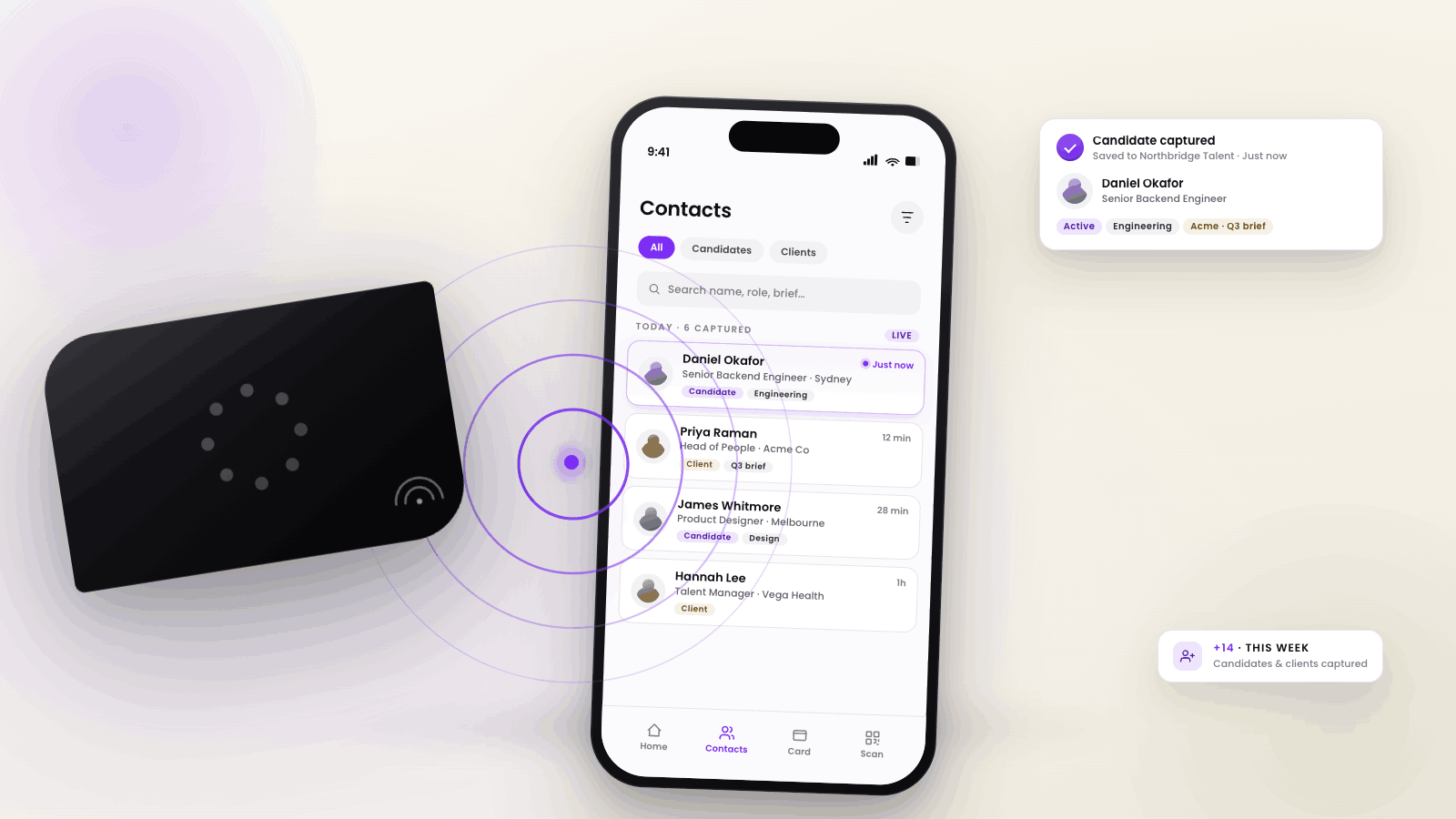
      Don't miss out on this convenient feature. Get started today and make accessing your Tapt card easier than ever!

      Latest Stories

      View all

      The UK Digital Business Card Market: What Buyers Should Compare

      The UK Digital Business Card Market: What Buyers Should Compare

      Digital business cards are rapidly replacing paper cards for professionals and teams in the UK. The behaviour already feels familiar to buyers because.

      Read more

      What Smart Business Cards Can Do That Paper Cards Can't

      What Smart Business Cards Can Do That Paper Cards Can't

      Learn what smart business cards can do that paper cards cannot, including instant updates, contact sharing, analytics, team control, and easier follow-up.

      Read more

      What Happens When Someone Taps an NFC Business Card?

      What Happens When Someone Taps an NFC Business Card?

      Learn what happens when someone taps an NFC business card, how contact details are shared, and how Tapt supports lead capture, CRM follow-up, and teams.

      Read more