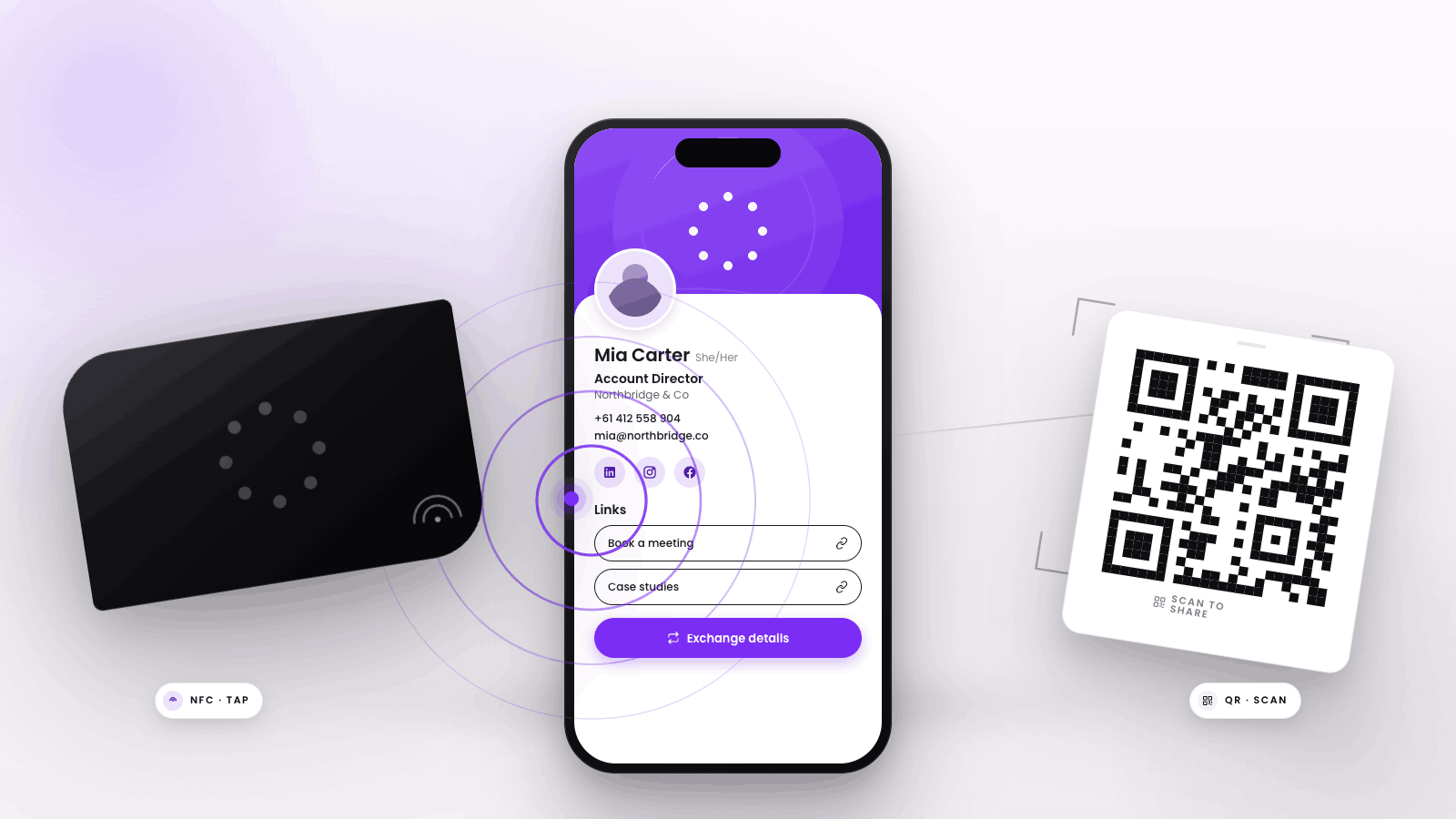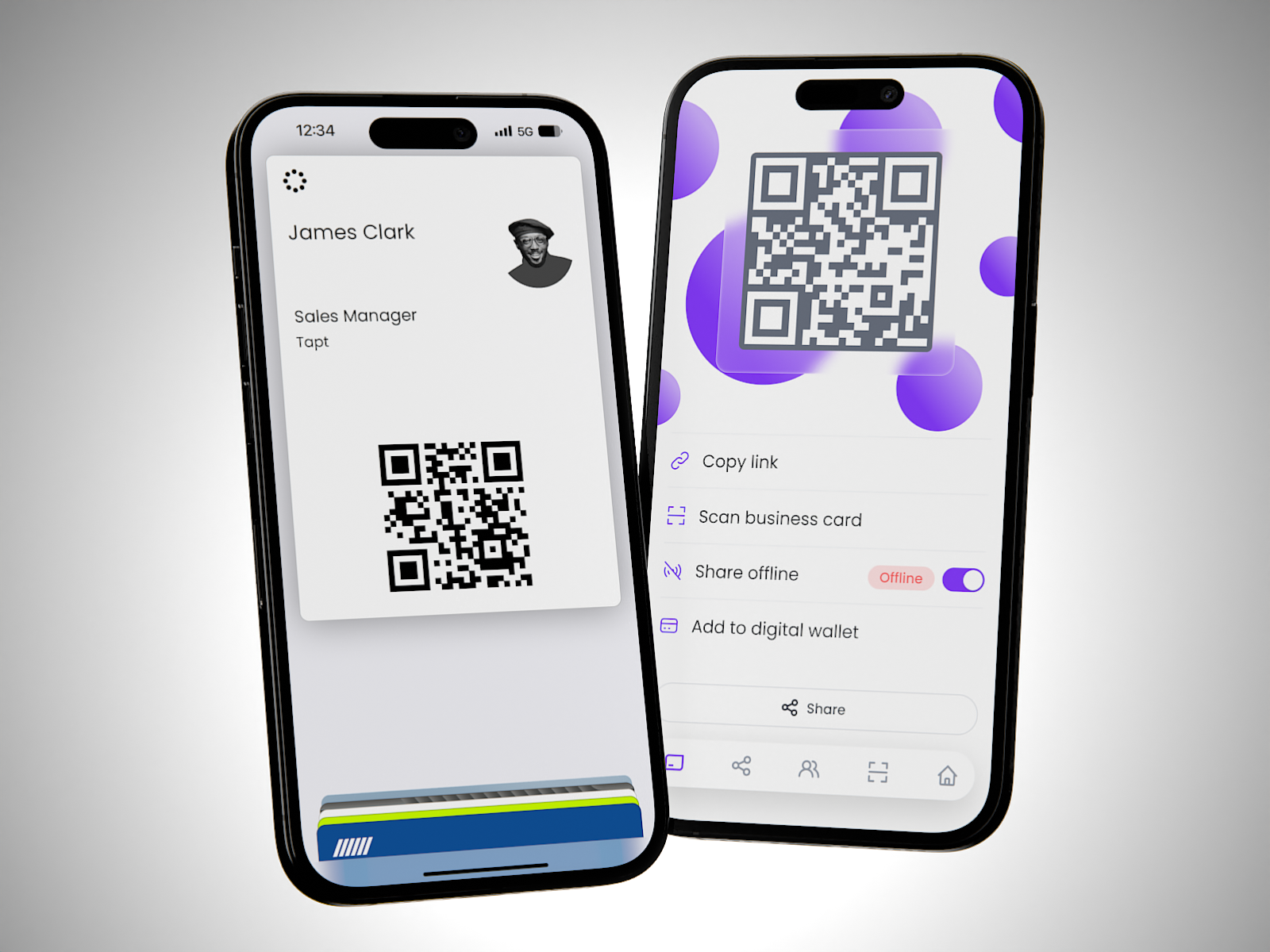
Connect anywhere, anytime from the convenience of your phone – now you can add your Tapt card to your Apple or Google Wallet directly from the Tapt app!

Adding your Tapt card to your digital wallet is a breeze. Here’s how to get started:

1. Log in to the Tapt app using your card or email credentials.
2. Navigate to the share screen.
3. Click "Add to Digital Wallet" and follow the prompts.

      While we still love the ‘wow’ factor of tapping your card on someone’s phone, we understand that carrying around a purse or wallet with physical cards is becoming less common. By adding your Tapt card to your digital wallet, you can still instantly share and receive contact details, even if you don’t have your physical Tapt card on you.


      Here are some additional tips to enhance your experience:

      • Customise your digital profile: Through the app, you can adjust button colors, banner images, and quick links to ensure you’re making a great impression when networking.
      • Personalise with a profile picture: Adding a profile picture helps new connections put a name to a face.

      Don't miss out on this convenient feature. Get started today and make accessing your Tapt card easier than ever!

      Latest Stories

      View all

      How Sales Teams Use Digital Business Cards to Capture Leads and Follow Up Faster

      How Sales Teams Use Digital Business Cards to Capture Leads and Follow Up Faster

      Sales teams can use digital business cards as a simple lead handoff: tap or scan, collect the right details, sync or export to CRM, and follow up while the conversation is fresh.

      Read moreabout How Sales Teams Use Digital Business Cards to Capture Leads and Follow Up Faster

      How Recruitment Agencies Use Digital Business Cards to Capture Candidate and Client Details

      How Recruitment Agencies Use Digital Business Cards to Capture Candidate and Client Details

      Recruitment agencies use digital business cards to instantly share their contact details and capture candidate or client information during networking, interviews, or industry events.

      Read moreabout How Recruitment Agencies Use Digital Business Cards to Capture Candidate and Client Details

      NFC Business Cards vs QR Codes: Which Sharing Method Works Best?

      NFC Business Cards vs QR Codes: Which Sharing Method Works Best?

      Quick Answer If you're choosing between NFC business cards and QR code business cards, the best method depends on how you want to share and collect contact details. NFC business cards offer a seamless, tap-to-share experience for most modern smartphones,...

      Read moreabout NFC Business Cards vs QR Codes: Which Sharing Method Works Best?