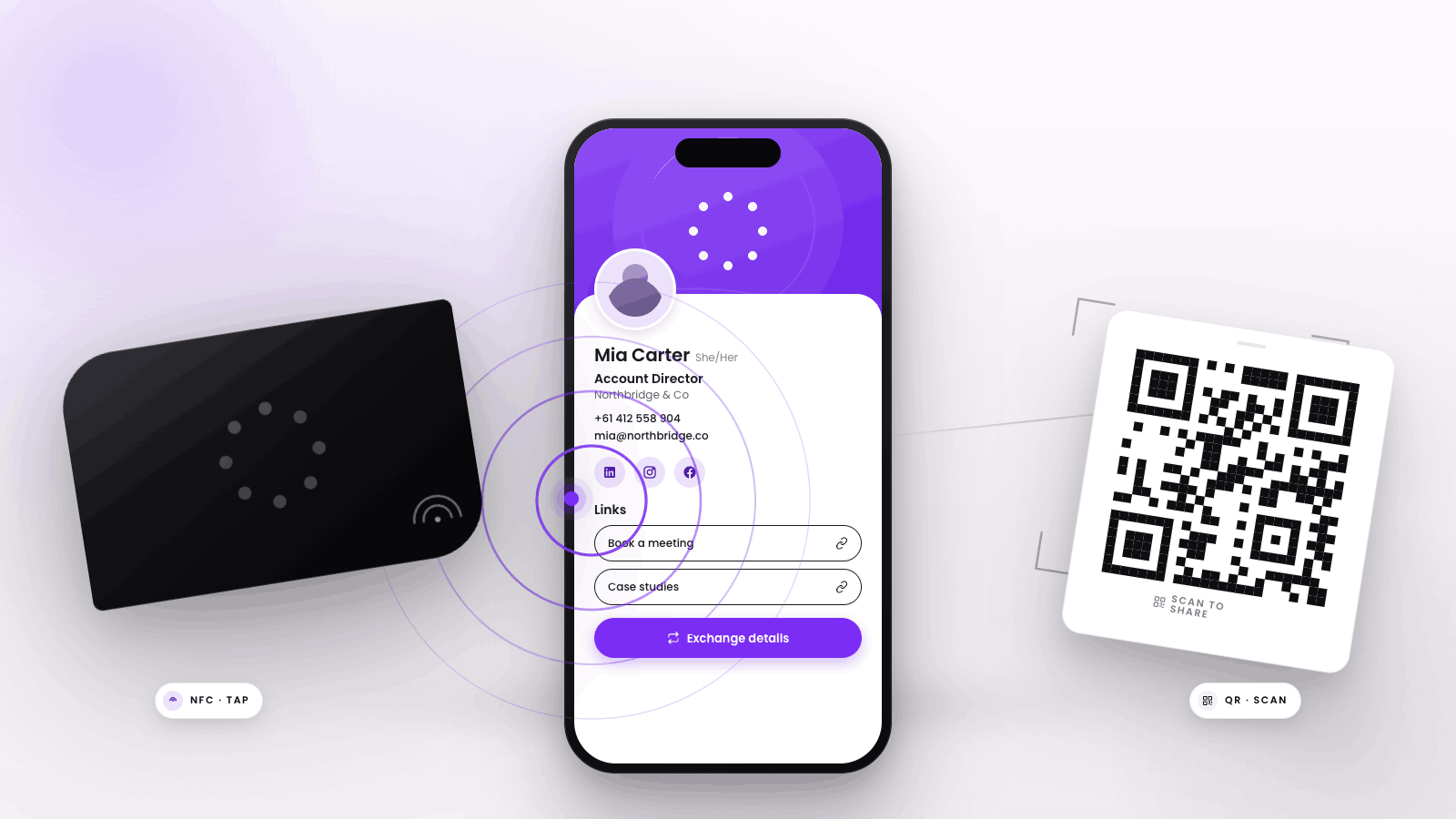
At Tapt, we’re passionate about bringing networking into the digital age. However, we know paper business cards are still in circulation, and you might still receive one from time to time.

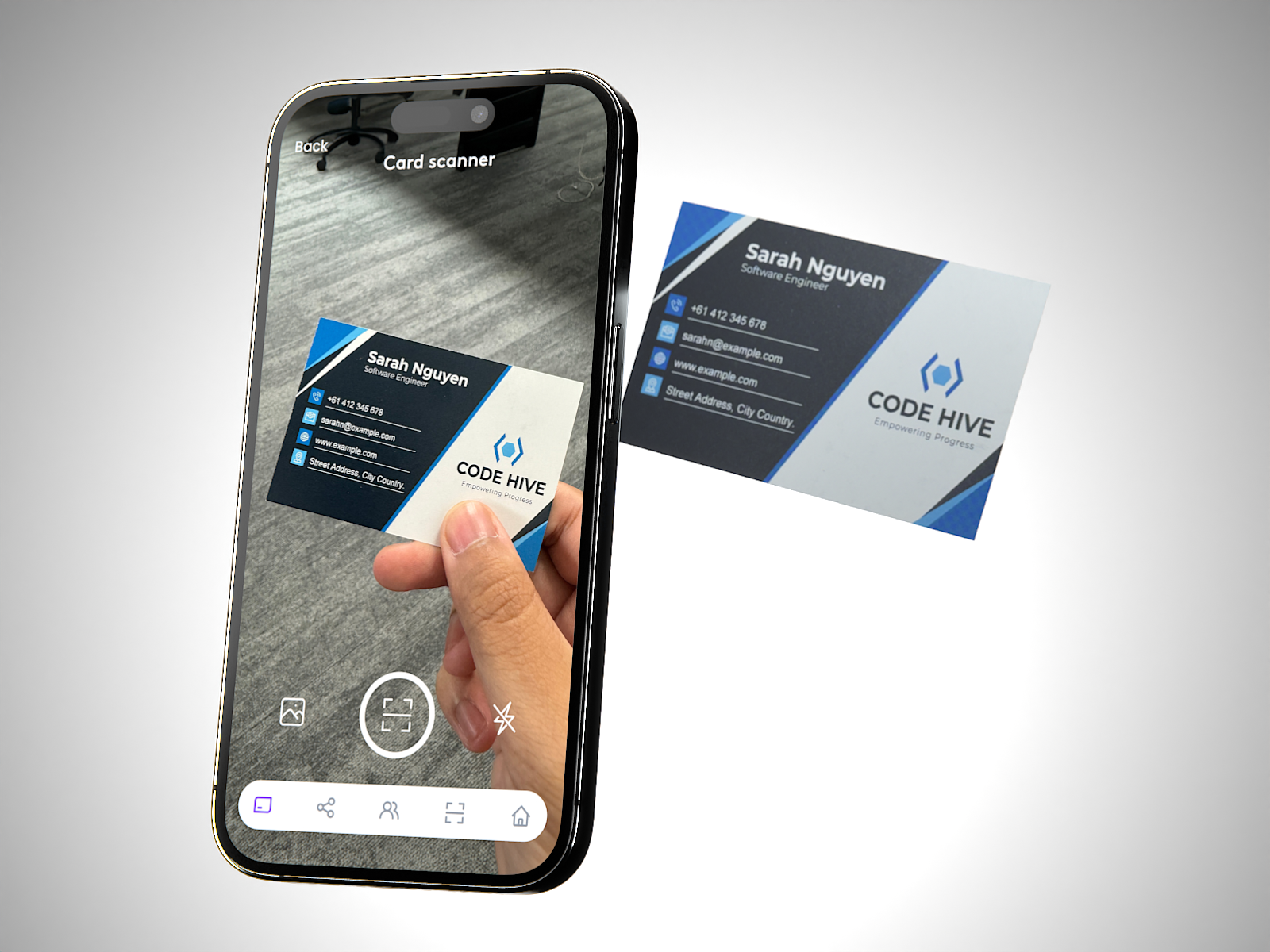
Those paper business cards deserve a place in your digital contacts too – that’s why we’ve created our AI Paper Business Card Scanner.

How to Use the AI Paper Business Card Scanner:

  1. Log into the Tapt App and click on the scanner icon at the bottom of your screen.
  2. Bring the paper business card into the camera’s view.
  3. Click the button to scan.
  4. Watch as the app works its magic to create a new Tapt contact, complete with all the information from the physical card.

We also highly recommend suggesting that the contact gets a digital business card. It’s much easier and more efficient that way.

Latest Stories

View all

How Sales Teams Use Digital Business Cards to Capture Leads and Follow Up Faster

How Sales Teams Use Digital Business Cards to Capture Leads and Follow Up Faster

Sales teams can use digital business cards as a simple lead handoff: tap or scan, collect the right details, sync or export to CRM, and follow up while the conversation is fresh.

Read moreabout How Sales Teams Use Digital Business Cards to Capture Leads and Follow Up Faster

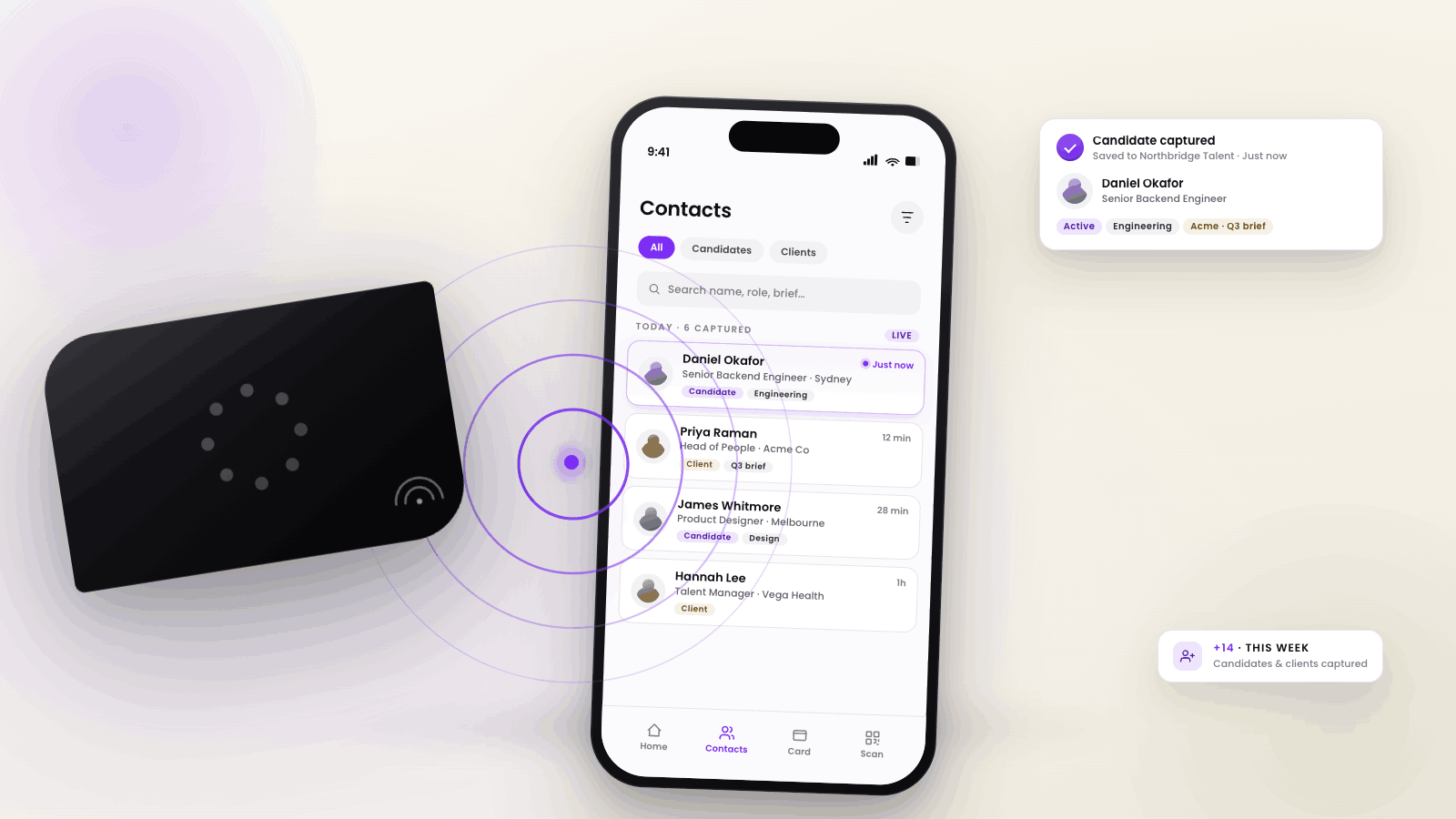
How Recruitment Agencies Use Digital Business Cards to Capture Candidate and Client Details

How Recruitment Agencies Use Digital Business Cards to Capture Candidate and Client Details

Recruitment agencies use digital business cards to instantly share their contact details and capture candidate or client information during networking, interviews, or industry events.

Read moreabout How Recruitment Agencies Use Digital Business Cards to Capture Candidate and Client Details

NFC Business Cards vs QR Codes: Which Sharing Method Works Best?

NFC Business Cards vs QR Codes: Which Sharing Method Works Best?

Quick Answer If you're choosing between NFC business cards and QR code business cards, the best method depends on how you want to share and collect contact details. NFC business cards offer a seamless, tap-to-share experience for most modern smartphones,...

Read moreabout NFC Business Cards vs QR Codes: Which Sharing Method Works Best?